
Enterprise IT Infrastructure Setup in India: A Practical Guide to Planning, Deployment and Vendor Selection
Team Blue Monk · 21 October 2026

Most infrastructure projects don't go wrong because of bad hardware. They go wrong because someone bought the hardware before anyone agreed what it had to do.
Most infrastructure projects don't go wrong because of bad hardware. They go wrong because someone bought the hardware before anyone agreed what it had to do. By the time the racks arrive, the floor plan has changed, the cooling can't cope, and three teams each assume another one owns the cabling.
If you're planning an [enterprise IT infrastructure setup in India](LINK: IT infrastructure services page), the order of work matters more than the equipment list. This guide covers how we approach it: requirements first, then design, deployment, testing, and the support that has to continue after go-live.
What enterprise IT infrastructure actually covers
It's everything that has to work for your business systems to work. That means servers and storage, switches, routers, Wi-Fi, structured cabling, firewalls, racks, power and cooling, and the end-user devices on top. For some organisations it also includes a server room or data centre, plus the monitoring tools that tell you when something is about to fail.
What you need from that list depends on how many people you have, how many sites you run, and which applications can't afford to go down. A head office with 300 users and a manufacturing group with plants, warehouses and regional offices are two very different projects, even if the equipment catalogue looks similar.
Start with the requirement, not the bill of materials
Before you ask any vendor for a quote, get clear answers to four questions.
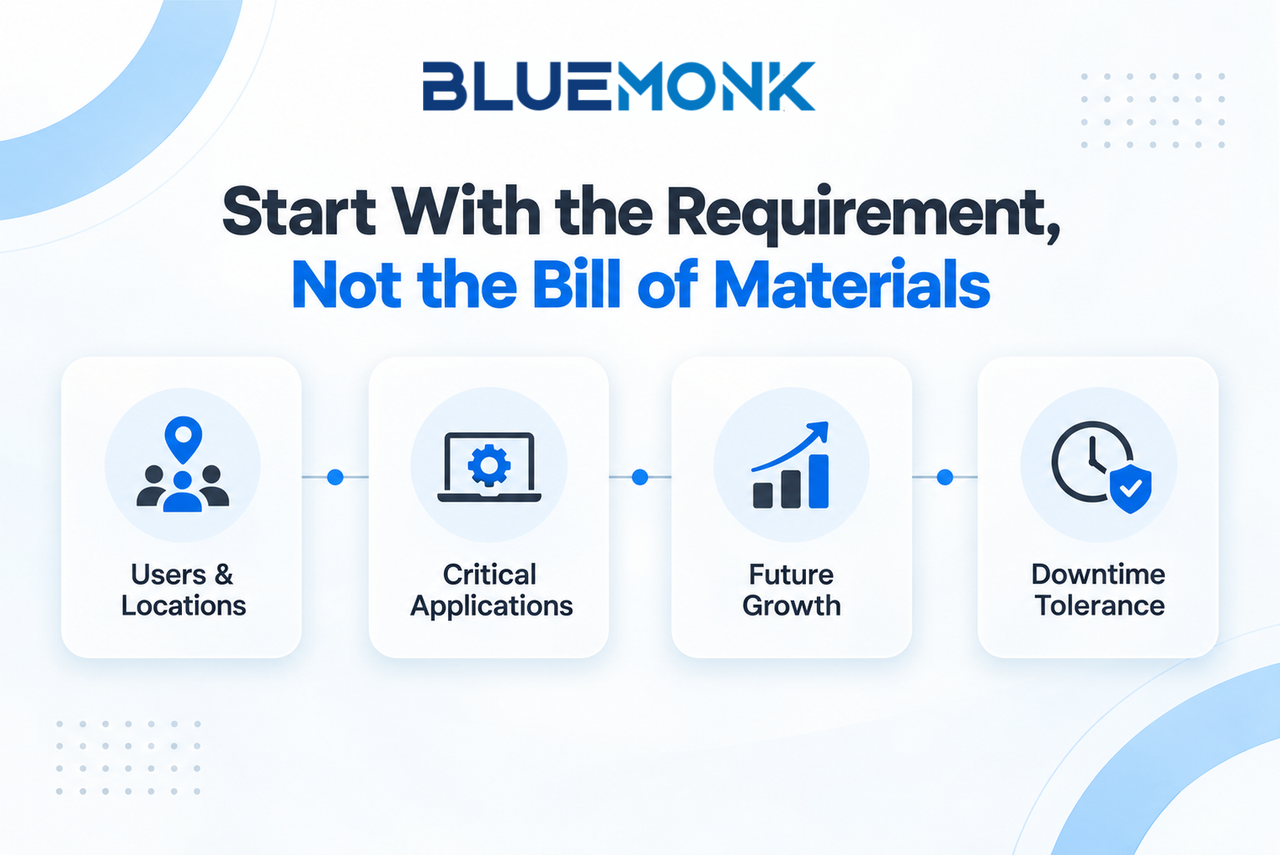
Who and where? Count users, devices and locations, including the small sites that usually get forgotten, like a warehouse office or a branch with eight people.
Which applications matter most? Your ERP, plant systems or customer-facing platforms may need redundancy and dedicated bandwidth that a file-sharing workload never will.
How much growth? Design for the headcount, device count and cloud workloads you expect in three years, not the ones you have today. Adding ports and capacity later is far cheaper if the cabling, power and rack space were sized for it.
How much downtime can you tolerate? Thirty minutes offline is an annoyance for one business and a stopped production line for another. Put a number on it, because that number drives your redundancy design and your budget.
The core building blocks
Network infrastructure
The network is the part every user notices first. A typical enterprise build includes core and access switches, routers, wireless access points, a fibre backbone, structured cabling, racks and patch panels. For larger sites, design the passive layer (cabling and pathways) and the active layer (switches and Wi-Fi) together. Cabling is the hardest part to change once walls are closed and ceilings are done, so it deserves the most upfront thought.
Our 800-node network deployment across a multi-building manufacturing campus is a good example of the scale involved. It covered structured cabling, a fibre backbone, switching, enterprise wireless and full testing.
Servers and storage
Not everything has moved to the cloud, and for many enterprises it shouldn't. Databases, file storage, backup, virtualisation and latency-sensitive local workloads often stay on-premise or in a hybrid setup. Size compute and storage for peak load, decide where redundancy is worth paying for, and leave physical room to expand.
Power, cooling and the physical environment
This is where India-specific conditions show up most. Many sites deal with voltage fluctuations and outages, high ambient temperatures, dust on factory floors and heavy monsoon humidity. A server room needs properly rated UPS capacity, a backup power plan, rack-level power distribution, adequate cooling, good earthing and controlled physical access. A switch that runs perfectly in a lab can throw errors in a hot, dusty plant cabinet, so match the equipment and enclosures to the real environment.
Security
Build security into the design instead of adding it at the end. That usually means firewalls, network segmentation, secure remote access and endpoint controls, and in many sites it extends to CCTV, access control and intrusion detection. We've delivered integrated security infrastructure projects that bring all three physical security systems under one scope.
India-specific factors to plan for
Compliance. The Digital Personal Data Protection Act, 2023 affects how you store and protect personal data, and CERT-In's directions require organisations to report certain cyber incidents quickly and retain system logs. Your infrastructure needs logging, retention and incident-response capability designed in. Check current requirements with your legal and security teams, as the rules continue to evolve.
Connectivity outside the metros. Leased line options, ISP diversity and installation lead times vary a lot between Mumbai or Bengaluru and an industrial zone in a Tier-2 or Tier-3 city. If a site needs two independent links, confirm early that two carriers can actually reach it.
Multi-city delivery. Rolling out across several states means different building conditions, local approvals and logistics at each site. Ask whether the vendor has its own teams in your locations or relies on subcontractors.
Timelines and cost drivers. Every project is different, so treat any number you're quoted as indicative until a survey is done. What usually moves cost and schedule most is site count, building condition, civil work, cabling volume, redundancy level and OEM lead times. Long lead items such as core switches, firewalls and large UPS systems can set the critical path, so order them early.
How a well-run project unfolds
1. Site survey and assessment. Walk every site. We regularly find things nobody mentioned in the brief: conduits that are already full, a "server room" with no real cooling, or floor plans that no longer match the building. Surveys are cheap, and surprises during installation are not.
2. Design. Turn the requirements into a topology, equipment specifications, rack layouts, wireless coverage plans, cable routes, redundancy and power requirements. This is also the point to agree what "done" means, including the tests that will be run.
3. Procurement and staging. Lock down OEM, model, quantity, licensing, warranty and lead time, and keep an asset record from day one. Where you can, configure and test equipment in a staging area before it goes on site, which saves a lot of time on installation days.
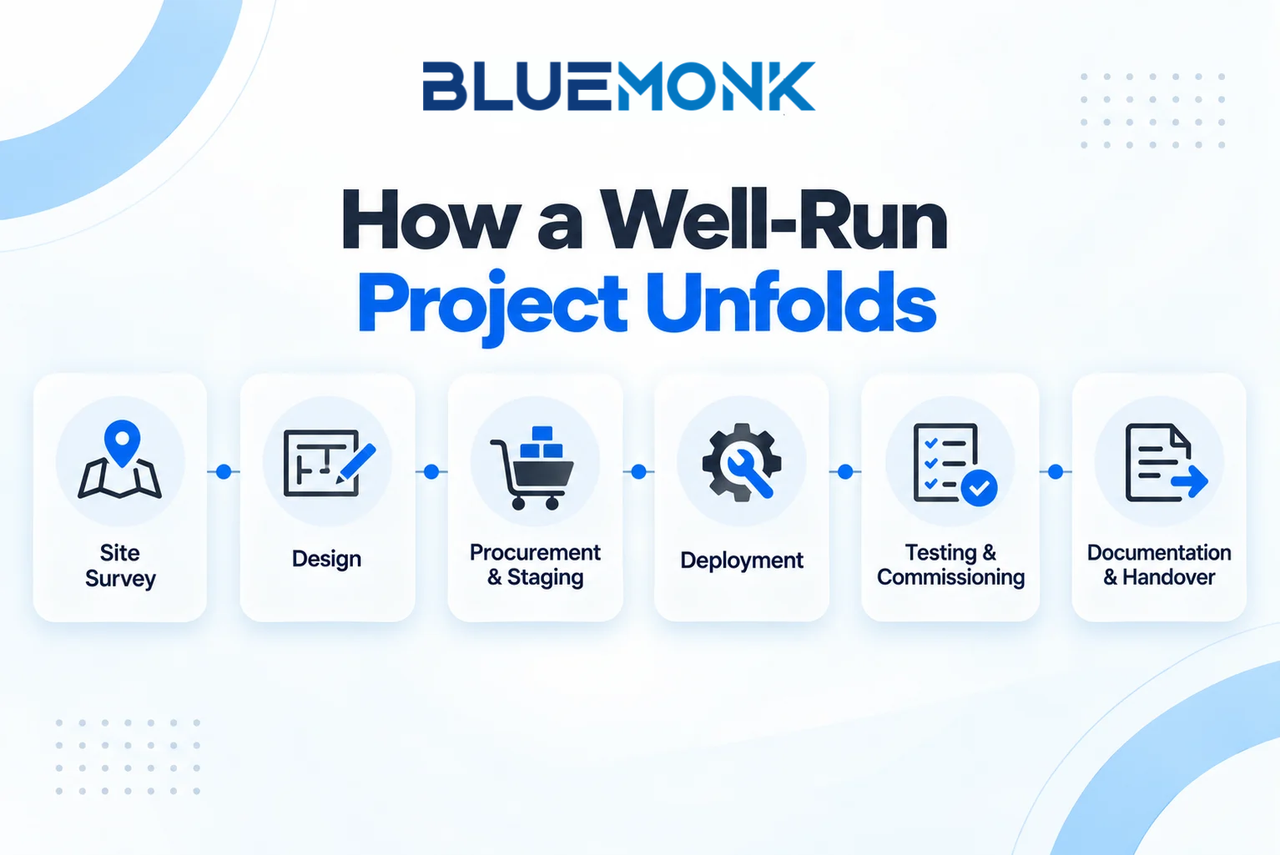
4. Deployment. Cabling, racks, switching, Wi-Fi, servers, firewalls, endpoints and security systems all go in during this phase. In live offices and plants, schedule work around operations so you don't take the business offline to improve it.
5. Testing and commissioning. Installation only proves that equipment is connected. Testing proves it works. Depending on scope, that means copper certification, fibre testing, continuity and port checks, wireless surveys, throughput tests and failover tests. On our 800-node project, all of that was completed before handover.
6. Documentation and handover. Insist on the full set: asset list, network diagrams, rack layouts, IP schemes, cable labels, test reports, configuration records, warranty details, escalation contacts and as-built drawings. You'll be glad to have them the first time something breaks at 2 a.m. or when you expand the site.
Choosing an IT infrastructure vendor in India
Hardware price is the easiest thing to compare and one of the least useful. These criteria tell you more.
Choosing an IT Infrastructure Vendor in India
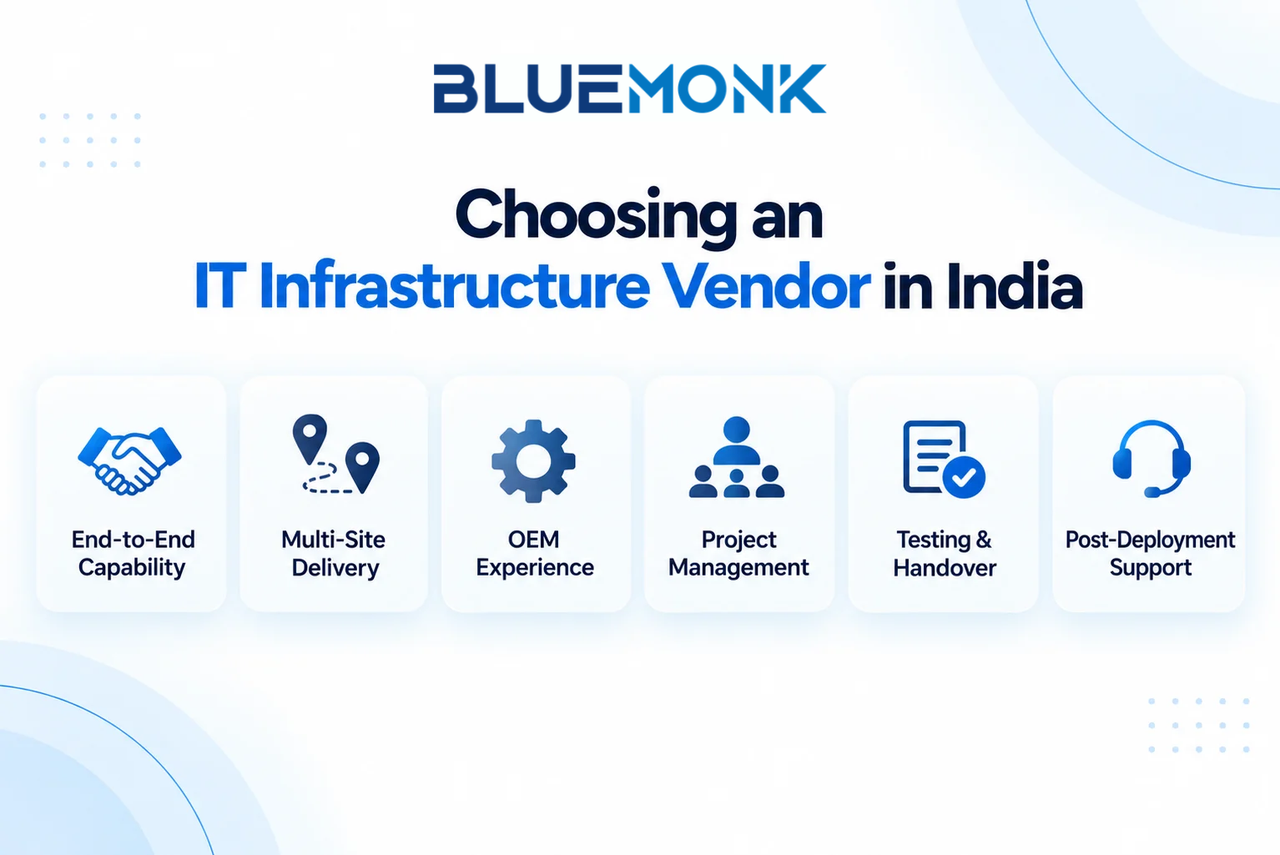
Look beyond hardware pricing. A strong vendor should offer:
End-to-End Capability
Design, supply, deployment and support under one clear scope.
Multi-Site Delivery
Consistent service quality across all locations.
OEM Experience
Relevant certifications and proven deployment experience.
Project Management
Clear ownership and coordination across teams and vendors.
Testing and Handover
Proper testing, reports and final documentation.
Post-Deployment Support
Defined SLAs, escalation paths and spare arrangements.
For reference, we support projects across 150+ cities in India, with delivery teams in Gurugram, New Delhi, Mumbai, Pune, Bengaluru and Kolkata.
Warning signs. Be wary of a vendor who recommends equipment before understanding your requirement, can't produce a clear bill of materials, has no written deployment plan, can't explain how they test, relies entirely on third-party engineers, or goes quiet when you ask about support after go-live. A low hardware quote can get expensive quickly once you add rework, outages and weak support.
Plan for support before you go live
A project isn't finished when the last cable is certified. Someone has to handle incidents, troubleshoot the network, replace failed hardware, escalate to OEMs, monitor the environment, run preventive maintenance and help users. Decide who does that before the project starts, not after the first outage.
This is where infrastructure and [managed IT services](LINK: managed IT services page) meet. Our managed services programme combined a service desk, desk-side support and infrastructure operations across multiple delivery locations and extended operating hours, so the people who understood the environment kept supporting it.
Final thoughts
Buying equipment is the easy part of an enterprise IT infrastructure setup. The harder part is deciding what the business needs, designing for the real conditions of your sites, proving everything works, and having someone accountable once people depend on it. So when you evaluate partners, ask who will design, deploy, validate and support the environment, and not just who can supply it.
Planning a network, server-room or multi-site infrastructure project? Talk to the BlueMonk team about your locations, scope and timelines.
Frequently asked questions
What does an enterprise IT infrastructure setup include?
It can include network design, structured cabling, wireless, servers, storage, racks, power and cooling, security systems, installation, testing and handover documentation.
How should I choose an IT infrastructure vendor in India?
Look at technical and OEM capability, multi-site delivery, project management, testing standards, documentation and post-deployment support, not just equipment pricing.
What should be tested before handover?
Depending on scope: copper and fibre certification, connectivity and port validation, wireless coverage, throughput, redundancy and failover, and equipment functionality.
Can one vendor handle several Indian cities?
Yes, but confirm their actual field coverage, project management approach and whether the same standards will apply at every site.
Why does planning matter so much?
Because it ensures the infrastructure matches real user, application, capacity and uptime needs, and it avoids expensive changes once deployment is under way.